CPAP Battery Compatibility: Verify The Machine Before Estimating Runtime
Check CPAP voltage, DC input, source quality, and estimated versus verified draw before trusting a battery runtime estimate.
By Max · Published July 14, 2026 · Updated September 1, 2026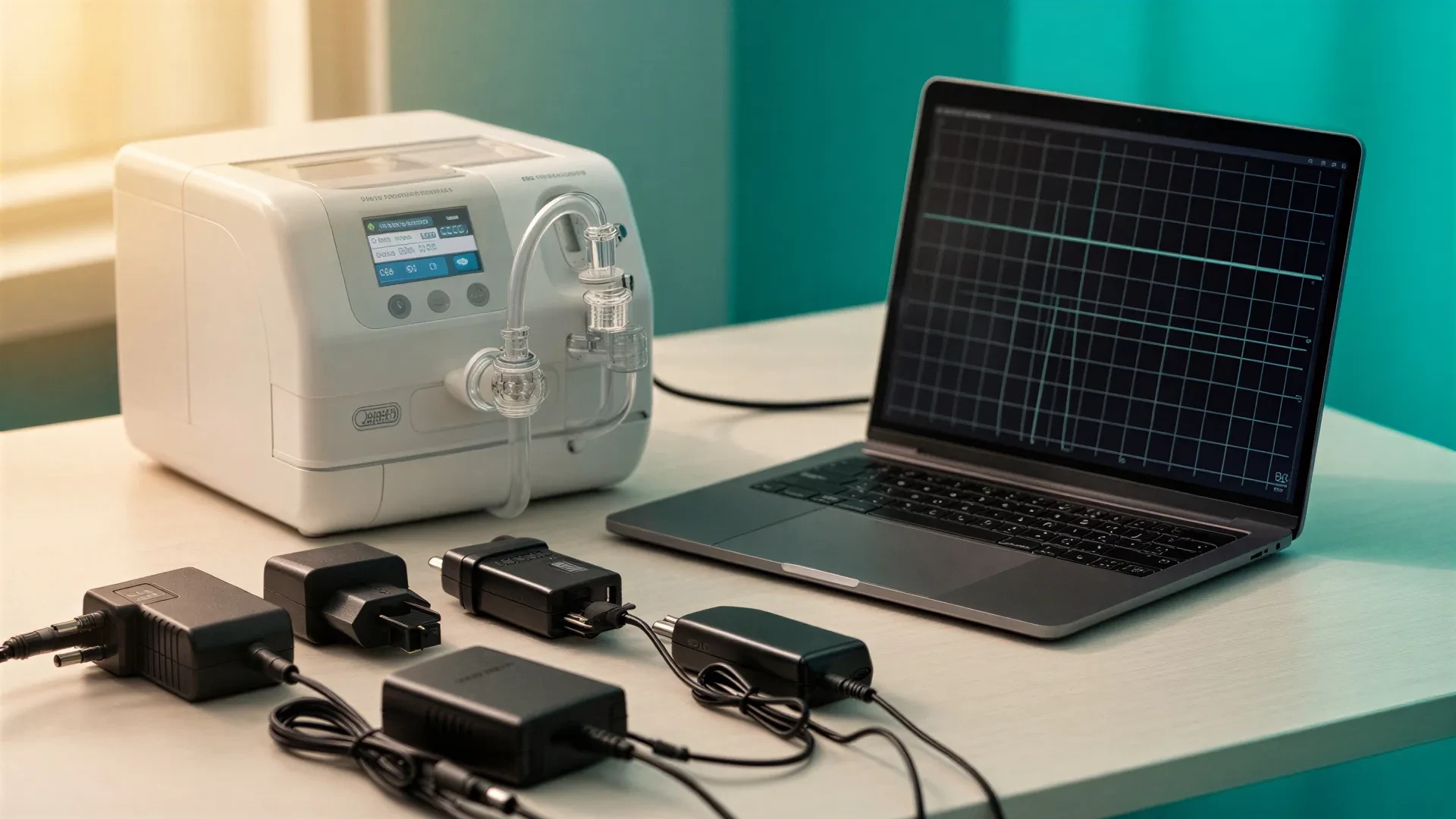
This is backup-power planning information, not medical advice. Follow your device manufacturer's instructions and ask your care team about treatment decisions.
CPAP battery compatibility is not about plug shape alone. The battery or adapter must provide the right electrical input, the connection path must fit the machine, and the runtime estimate must use a draw value with known source quality.
If any layer is weak, the runtime estimate should say so. A precise number built on a weak compatibility check is worse than a range with honest labels.
The Compatibility Checklist
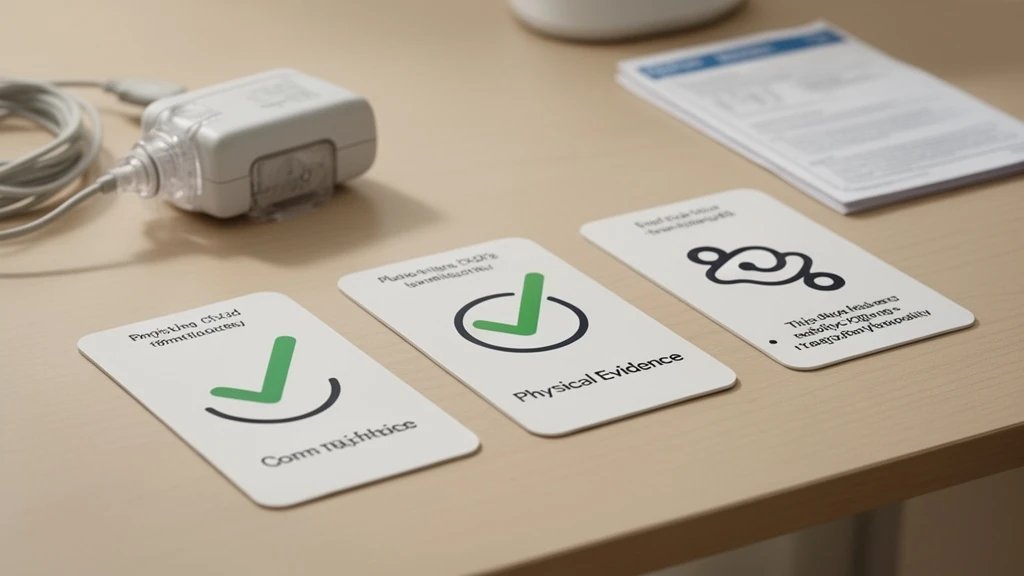
Before estimating runtime, confirm:
| Check | Why it matters |
|---|---|
| Exact machine model | Similar names can use different power systems. |
| Required input voltage | 12 V and 24 V devices are not interchangeable. |
| Connector and polarity | A fitting plug can still be electrically wrong. |
| Official cable or converter | Manufacturer-named parts are stronger evidence. |
| Battery output limit | A DC port may not supply enough current. |
| Runtime-draw source | Verified draw is stronger than an adapter rating. |
This is why compatibility should be checked from evidence, not from a generic “best battery for my machine” claim. The real job is comparing evidence quality.
For a reader, the compatibility question usually starts as “will this battery work with my CPAP?” The better question is more specific: which output path will power this machine, and what evidence supports the runtime estimate for that path? A battery can be electrically compatible and still too small. A battery can have enough watt-hours and still use the wrong cable.
Compatibility is therefore a three-layer check. The first layer is electrical fit. The second layer is supported connection path. The third layer is runtime evidence. All three have to be visible before a planner preset should look confident.
Evidence Tiers For Runtime Presets
Use these tiers when reading a compatibility table or planner preset:
| Tier | What it means | Runtime confidence |
|---|---|---|
| Verified draw | Manufacturer table or measured watt/current by configuration | Highest. |
| Verified input only | Voltage and adapter known, but draw by setup missing | Medium. |
| Estimated draw | Proxy model, retailer range, or owner report | Low. |
| Unknown | No source-backed electrical input or draw | Do not preset. |
The ResMed Battery Guide is the strongest public source used here because it gives configuration-specific current tables for AirMini, AirSense 10, and S9 models. It includes pressure and accessory states, which are exactly the variables a runtime estimate needs.
The weakest common evidence is a power-supply label. It can still be important because it tells you voltage and maximum output. But it does not say the machine draws that maximum all night. A 65 W or 90 W power brick is not a 65 W or 90 W runtime value.
A preset built from verified input only should look different from a preset built from verified draw. The first can say “this is the power system.” The second can say “this is a sourced runtime input for this configuration.” Mixing those two confidence levels is how battery pages create false precision.
Examples By Evidence Quality
These examples show how evidence quality differs. They are planning classifications, not universal runtime promises.
| Machine | Input and path evidence | Runtime-draw evidence | Planning treatment |
|---|---|---|---|
| ResMed AirSense 10 AutoSet | 24 V system with ResMed DC converter path | Verified current table in ResMed Battery Guide | Strong preset candidate. |
| ResMed AirMini | 24 V system with ResMed AirMini DC converter | Verified current table in ResMed Battery Guide | Strong preset candidate. |
| ResMed S9 AutoSet | 24 V converter path | Verified current table in ResMed Battery Guide | Strong, with older-model context. |
| ResMed AirSense 11 | 24 V device, 65 W power supply verified in user guide | AC wall consumption verified, per-pressure DC draw missing | Use visibly estimated runtime values. |
| Philips DreamStation 2 Auto CPAP | Philips product page confirms AC electrical requirements; retained evidence does not establish a native 12 V input or Philips-approved DC battery path | Per-pressure runtime draw missing | Compatibility/AC-only until a current Philips source documents a DC path; do not create a DC preset. |
The key distinction: common machines are not always fully documented for battery runtime. AirSense 11 and DreamStation 2 are important, but without public per-configuration draw tables, their runtime values should stay labeled as estimates unless measured; DreamStation 2 should not be given a DC-path assumption from the retained evidence.
Where Public Evidence Is Strong Or Incomplete
The ResMed Battery Guide gives strong public values for some ResMed models because it publishes current draw by pressure and accessory state. AirMini, AirSense 10, and S9 are the best examples. That does not mean every ResMed model has the same evidence. AirSense 11 has verified electrical specs and verified AC wall draw in the user guide, but no public per-pressure DC battery table.
Philips DreamStation 2 has a different problem. Philips publishes AC electrical requirements, but the retained current evidence does not document a native 12 V input or Philips-approved DC battery path, nor the same typical draw table for no-humidifier and heated configurations. Community measurements can help a user understand likely behavior, but they do not become primary-source claims.
Fisher & Paykel’s SleepStyle portable-power guide provides guidance under specified conditions. That makes it stronger than a generic retailer claim, but the values still need to be read in their stated connection path and pressure context.
The practical result is that the site should show a mixed matrix, not a fake complete table. Some rows are verified. Some rows are estimated. Some rows are compatibility-only until measurement improves the evidence.
Voltage Is Not Optional
A battery’s 12 V car port is not automatically compatible with a 24 V CPAP. A USB-C port is not automatically compatible with a CPAP. A barrel connector that fits is not proof of correct voltage, polarity, or current capacity.
For each machine, record the nominal input voltage, official power supply output rating, and official DC adapter or converter part when one exists. Then identify whether the machine runs on native 12 V, native 24 V, or a converter path.
The battery side needs the same check. Match output voltage, current limit, connector, polarity, and the source for the runtime draw. If the manufacturer names a specific converter, treat that as the default path. A third-party cable may still work, but it needs its own evidence.
Connector Traps By Machine Family
Brand names are not enough. ResMed machines are a good example because several popular models are 24 V devices, but that does not make every ResMed cable interchangeable. AirSense 10, AirSense 11, AirMini, AirCurve, and S9 can involve different connectors or converter parts. A seller saying “ResMed compatible” is less useful than a listing that names the exact model and cable.
Philips machines must be checked individually. For DreamStation 2, the current Philips product page supports AC electrical requirements but does not establish a native 12 V input or Philips-approved DC battery path. DreamStation 1, DreamStation 2, and DreamStation Go should not be treated as one identical power system without model-specific documentation.
Travel machines add another layer. AirMini, Transcend, Breas, and other travel units often have small power supplies and passive moisture options, but they can use proprietary battery or connector paths. Their lower draw does not remove the compatibility check.
Do Not Treat Adapter Watts As Runtime Watts
A 65 W, 80 W, or 90 W adapter rating tells you what the power supply can provide. It does not tell you the CPAP pulls that much all night.
Runtime planning needs the load during therapy conditions. The best rows include pressure, tubing, humidifier, and heated-hose state. The ResMed Battery Guide’s AirSense 10 rows are useful because the values change with those conditions.
The AirSense 11 user guide verifies important electrical information, including power-supply context and AC consumption, but it does not provide the same pressure-by-pressure DC table. That is why AirSense 11 runtime planning should expose uncertainty instead of pretending the older AirSense 10 table fully answers it.
For estimated rows, use ranges and warnings. If an AirSense 11 no-humidifier value is derived from AirSense 10 data and other public context, the page should say so. DreamStation 2 community measurements should be treated as a prompt to measure, not a published manufacturer fact or evidence of a Philips-approved DC path.
This is especially important for commercial pages. A product card should not say a battery “runs DreamStation 2 all night” when the underlying draw value is estimated and the battery has not been tested with that setup.
What A Good Planner Preset Should Show
A planner preset should show the machine name, voltage, connection path, operating-draw value, and whether that value is verified or estimated. It should also show pressure and accessory assumptions, link the source, warn when the value is estimated, and let you override the preset with a measured watt value.
If a planner only asks for machine model and battery size, it is missing the variables that usually decide runtime.
When To Measure Your Own Setup
Measure or test when public sources only give estimated draw, when you use heated humidity or a heated hose, or when your pressure range and leak pattern could change the load. Testing matters even more when the battery is close to the minimum required size or the plan needs to cover more than one night.
Many batteries show remaining percentage, not exact watt-hours. That is still useful for a controlled overnight test if you record the setup and compare runs consistently.
A Simple Overnight Compatibility Test
After the electrical match is known, run a practical test. Charge the battery fully. Use the exact machine, cable, mask, humidifier state, hose state, and sleep duration you plan to support. Do not charge a phone or run a fan from the same battery during the test.
Record starting battery display, ending battery display, hours run, and whether the CPAP reported any power errors. If the battery has watt-hour output history, record that too. If it only has a percentage display, the test is still useful as a repeatable baseline.
Repeat the test if you change the path from AC to DC, turn on heated humidity, change masks, or move to a cold room. Those are not small changes in battery terms.
When Machine-Specific Guidance Helps
Machine-specific guidance helps when it changes the electrical path. AirSense 10 and AirSense 11 are both ResMed 24V machines, but they do not use the same connector path. Philips DreamStation machines are a different power family. Travel machines can be different again.
What does not help is a generic product claim that says a battery works with “most CPAP machines” without showing the voltage, connector, cable, and runtime assumptions. If you are looking for a specific machine, use the machine name to find the right row or product documentation, then still run the same evidence check: voltage, connector, supported path, draw, battery capacity, reserve, and a real test.
The next step after compatibility is runtime. A battery can connect correctly and still be too small for the night you need.
Compatibility Records To Keep
Keep a small record for the machine the same way you would keep a medication or equipment note. It should list the CPAP model, power-supply output, official DC adapter if one exists, battery used, connection path, and last overnight test result. A photo of the power-supply label helps when the machine is packed or when a caregiver needs to check the setup.
The record should also name uncertainty. For example, “AirSense 11 no-humidifier draw is estimated, not manufacturer table verified” is a useful warning. It tells the next person not to treat the runtime estimate as a lab result.
If the machine changes, redo the record. A new CPAP can have the same therapy purpose but a different voltage, connector, humidifier behavior, and power-supply rating.
When Compatibility Passes But Runtime Fails
Compatibility does not guarantee duration. A battery can power the machine and still be too small for the night. That happens most often with heated humidity, heated hose use, AC inverter loss, cold temperature, battery age, or an estimate built from a lower-pressure setup.
This is why a planner preset should not stop at “compatible.” It should ask for hours, nights, heated features, connection path, chemistry, and reserve. A compatible 95Wh battery and a compatible 500Wh power station are not interchangeable because the word compatible only answers the first question.
When a runtime test fails, do not assume compatibility was wrong. The cable may be correct while the capacity or assumptions were wrong. Use the troubleshooting guide to isolate those variables.
How To Add A New Machine To The Matrix
A new machine should not enter the public matrix because it is popular or because a retailer claims support. Start with manufacturer documentation. Find the user guide, power-supply output, official DC adapter, and any portable-power or battery guide. Record retrieval dates.
Next, look for per-configuration draw. The strongest data names pressure, tubing, humidifier state, and current or watt-hours. If that does not exist, mark the runtime draw estimated and do not write a precise public runtime claim.
Then check whether the machine creates a new decision. If it uses the same voltage class, same evidence limitations, and same battery decision as an existing row, it belongs as another row or preset. It does not earn a separate article.
Why Estimated Rows Stay Useful
Estimated rows are not worthless. They help a user avoid obvious mistakes, such as using a 12 V assumption for a 24 V machine or treating an adapter rating as all-night draw. They also tell the user where measurement matters most.
The key is presentation. A verified AirSense 10 row can support narrower planning language because the ResMed Battery Guide publishes current tables. An AirSense 11 or DreamStation 2 row should carry more caution because public per-configuration draw is incomplete. The matrix is useful because it shows those differences instead of hiding them.
Known Launch Matrix Caveats
For the first public version, the matrix should be treated as an evidence map, not a complete laboratory database. It has strong manufacturer support for AirMini, AirSense 10, and S9 current tables from the ResMed Battery Guide. It has verified AirSense 11 power-supply and AC wall-consumption facts from the AirSense 11 user guide. It has Philips DreamStation 2 electrical requirements, but no manufacturer-published typical runtime draw by configuration.
That means some common machines still need measurement before the site can make narrow runtime claims. AirSense 11, DreamStation 2, and React Health G3 X are high-priority examples for future bench testing or user-measured evidence. Until then, the planner and articles should show estimates as estimates.
The same rule applies to battery products. A battery with a corrected URL and watt-hour rating still needs chemistry, usable-capacity assumptions, output limits, and cable compatibility before it can support a runtime claim. Product verification and machine compatibility are separate checks.
How This Helps Buying Decisions
The compatibility matrix should reduce bad purchases. If your machine has a verified DC path, you can focus on battery capacity and cable support. If your machine has only verified electrical input and estimated draw, you should favor extra reserve or a battery you can return after testing. If your machine has unclear DC support, the original AC power brick may be the practical starting point.
This is also where a buyer can avoid overpaying for the wrong kind of battery. A compact dedicated 24 V battery may be excellent for one ResMed setup and useless for a 12 V Philips setup. A universal AC battery may power more machines, but it will usually give less runtime per watt-hour. Compatibility is not a product category. It is a match between the machine, cable, battery output, and evidence.
Reader Action
Before using any runtime number from this site, find your machine row and read the confidence label. If the row is verified, still check heated features and connection path. If the row is estimated, run the calculator with a range and plan an overnight test. If the row is missing, do not borrow a similar machine unless the guide says why that proxy is reasonable.
Practical Next Step
Find the label on your CPAP power supply and record the output voltage and amperage. Then compare that with the machine’s official manual or battery guide.
After compatibility is known, use the CPAP runtime calculator and choose the source-quality label honestly. A visible “estimated” label is better than a precise-looking number built on weak evidence.
Sources
- ResMed Battery Guide (manufacturer; retrieved 2026-09-01)
- ResMed AirSense 11 User Guide (manufacturer; retrieved 2026-09-01)
- Philips DreamStation 2 Product Page (manufacturer; retrieved 2026-09-01)
- Fisher & Paykel SleepStyle Portable Power Guide (manufacturer; retrieved 2026-09-01)